
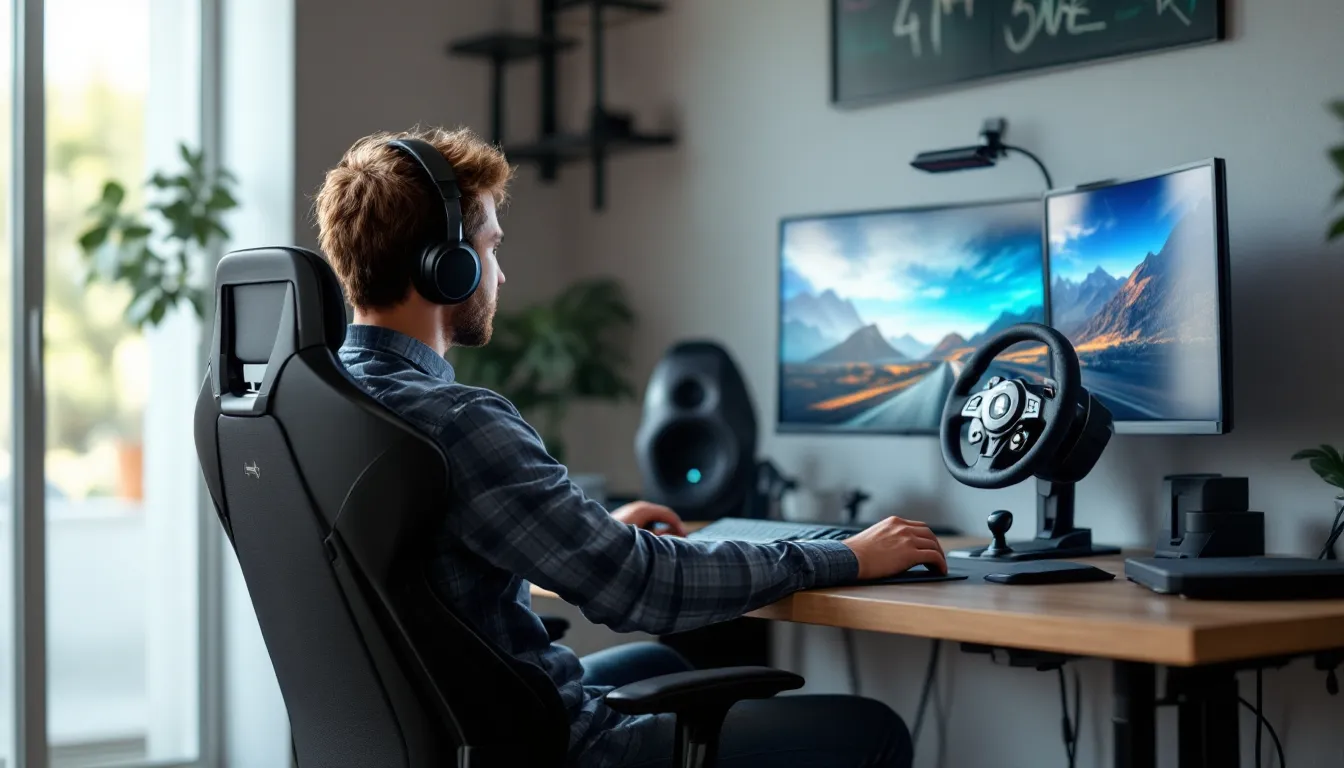

Racing simulators and competitive esports have exploded, and if you’re serious about your lap times, a gaming wheel stand is no longer a luxury, it’s foundational. Whether you’re grinding iRacing late at night or dominating Gran Turismo on console, a proper gaming wheel stand transforms your setup from cramped and uncomfortable to immersive and competitive. Without one, you’re fighting both the game and your own instability. This guide walks you through everything you need to know: what separates a solid stand from a flimsy one, how to pick the right type for your space and budget, and how to set it up correctly so it actually helps your performance. By the end, you’ll know exactly what to look for and won’t waste money on gear that doesn’t deliver.
Key Takeaways
- A gaming wheel stand eliminates unwanted movement and flex, delivering 2–3 seconds per lap improvement on sim racing circuits by ensuring precise, consistent steering inputs.
- Choose between fixed frames ($200–$300), adjustable cockpit stands ($300–$600), or portable folding stands ($150–$400) based on your space, budget, and commitment level.
- Rigidity is non-negotiable: prioritize thick-gauge steel tubing (1.5 inches or larger) and solid welding over cheap aluminum or thin metal that compromises performance.
- Proper setup requires correct wheel angle (15–25 degrees), eye-level monitor positioning, and nearly extended leg position on the brake pedal to maximize comfort and muscle memory.
- Check compatibility with your specific wheel and pedals before purchasing, and budget $250–$400 minimum if you’re serious about racing to avoid wobble and performance loss.
- Regular maintenance—monthly bolt checks, quarterly cleaning, and annual joint inspections—keeps your gaming wheel stand rigid and extends its lifespan for years of consistent performance.
What Is a Gaming Wheel Stand?
A gaming wheel stand is a dedicated frame that securely mounts your racing wheel, pedals, and shifter in one stable setup. Think of it as a cockpit in miniature, it holds everything rigid so your inputs translate directly to the game without flex, wobble, or creeping. Most racing wheels come with clamp mounts designed to grip a desk, but that’s a compromise. A desk clamp puts your wheel at an awkward angle, compresses your workspace, and digs into furniture over time. A dedicated stand solves all of that by providing a self-contained platform that sits on the floor or can be folded away.
The core job of a gaming wheel stand is simple: eliminate movement where there shouldn’t be any. When you’re turning the wheel hard left into a corner, every millimeter of deflection in the stand translates to imprecision in-game. Top-tier sim racers won’t touch anything less than rigid. Even casual players notice the difference immediately, your braking is sharper, your steering input feels connected, and you’re not fighting hardware instability on top of learning the track.
Key Features to Look For in a Gaming Wheel Stand
Stability and Build Quality
Rigidity is everything. Look for stands with thick-gauge steel tubing (typically 1.5 inches or larger in diameter) and solid welding or bolted construction. Cheap stands use flimsy aluminum or thin metal that flexes under load, and that flex ruins precision. Check the footprint too, wider bases distribute weight better and resist tipping or movement during aggressive inputs. Some stands include a reinforced triangulation design (essentially cross-bracing) that resists twisting: this is worth paying for if you’re running high-end force feedback wheels that demand a rock-solid foundation.
The pedal mounting system matters as much as the wheel attachment. If your brake pedal shifts under pressure, your muscle memory gets confused and lap times suffer. Premium stands bolt pedals down at multiple points so there’s zero play.
Adjustability and Ergonomics
One-size-fits-all doesn’t exist in racing. Your ideal wheel angle, seat height, and pedal position depend on your body and your wheel type. Look for stands that let you adjust wheel angle (typically 0–45 degrees tilts), seat height, and pedal angle independently. Recline angle is underrated, most people lean back slightly, but if a stand locks you upright, you’ll fatigue faster and your lap times will suffer over a 30-minute stint.
Grip comfort matters too. Rough welds, sharp edges, or pinch points on the frame are annoying at first and painful after an hour. Good stands have smoothed edges and padding on contact points like the shoulder supports.
Compatibility and Mounting Options
Your stand needs to work with your specific wheel and pedals. Most stands use standard quick-release patterns (Thrustmaster T-series, Fanatec, Logitech), but some older or budget gear uses proprietary mounts. Check the spec sheet before buying. Also verify that your pedals fit the pedal plate, wider pedal systems (like Heusinkeld or Sim-Plicity) need more real estate. Some stands are limited to Logitech or Thrustmaster wheels: higher-end models support everything.
Platform versatility is worth considering too. Can you add a shifter? Handbrake? Extra buttons? A stand that handles future upgrades costs less to own long-term than one you’ll outgrow.
Price and Value for Money
Prices range from $150 for basic folding stands to $800+ for cockpit-style rigs. Budget doesn’t always mean worse, but it does mean compromises. A $200 stand might be solid for casual gaming but wobble under force feedback. A $600 cockpit might be overkill if you play two hours a week. Match your budget to your commitment level and your wheel quality, a $2,000 Fanatec wheel on a $150 stand is money poorly allocated. Pro sim racers and esports competitors typically spend $400–$600 on a stand because the performance gains justify it. Casual players often find $200–$350 does the job.
Types of Gaming Wheel Stands
Fixed Frame Stands
Fixed frames are the traditional, most affordable option. They’re essentially metal scaffolding bolted together permanently, with your wheel mounted at a set angle and position. They’re incredibly rigid, no moving parts means no failure points. The trade-off is inflexibility: if the angle isn’t right for your body, you’re stuck. They take up space (usually 3–4 feet wide and 2–3 feet deep) and don’t pack away. Perfect for dedicated sim rooms. A $200–$300 fixed frame from a reputable brand (check ProSettings for real user feedback) will outlast most people’s interest in racing.
Adjustable Cockpit Stands
These are the sweet spot for most players. They let you tweak wheel angle, seat height, pedal recline, and sometimes even width. They’re pricier ($300–$600) but handle different body types and wheel setups without compromise. Many include integrated seat cushioning or quick-adjustment levers so you can dial in your position in seconds. If you share your setup with someone else or play different disciplines (sim racing vs. arcade racing, for example), adjustability is worth the premium.
Portable Folding Stands
Folding stands collapse to roughly 1/4 their size, making them ideal for apartments or shared spaces. They’re lighter (typically 30–50 pounds vs. 100+ for fixed frames) and can be stored in a closet. The catch: folding mechanisms introduce pivot points, which can introduce slight play if the design isn’t tight. Quality matters here, a well-engineered folding stand from a trusted brand is responsive and rigid. A cheap folding stand feels spongy and kills precision. They’re typically $150–$400. If portability is essential, budget toward the higher end.
How to Set Up Your Gaming Wheel Stand
Assembly and Installation
Most stands arrive partially assembled or flat-packed. Assembly usually takes 30–60 minutes with basic tools (hex wrenches, usually included). Read the manual before starting, serious instruction mistakes can cause instability later. Start with the base frame and ensure it’s square (use a level if you have one): a twisted base will cause alignment issues up the chain. Mount the pedal platform first, then the wheel mount. Use thread-locker on bolts that connect the wheel and pedal arms to prevent vibration loosening them over time. Tighten everything firmly but don’t overtighten, stripped bolts are annoying to replace.
Verify that all connections are tight by gently shaking each section after assembly. There should be zero movement. If something flexes, disassemble that joint, check for debris or misalignment, and reassemble.
Positioning and Ergonomic Adjustments
Once assembled, position the stand where you plan to use it. Set your monitor or TV at eye level when you’re seated (top of the screen at or slightly above eye height). Your wheel should sit at roughly 9–10 o’clock position relative to your torso when relaxed, not stretched out, not compressed. Pedals should be positioned so your legs are nearly extended when pressing the brake: if your knees are bent at 90 degrees, adjust the seat back or lower the pedal platform.
Brake bias matters for racing: most drivers position the brake pedal slightly higher than the accelerator so it’s easier to modulate under pressure. Test this by doing a few braking runs in-game and tweaking if necessary. Small changes in position create surprisingly large differences in feel and consistency.
If your stand includes adjustable wheel angle, start with 15–25 degrees of tilt (wheel top closer to you than the bottom). This matches most real cars and reduces arm fatigue. If the angle feels wrong after 15 minutes of driving, adjust by 5–degree increments until it clicks.
Cable Management and Connectivity
Run all cables (wheel USB, pedal USB, shifter cable, handbrake cable, etc.) to the rear or side of the stand using cable ties or velcro straps. Avoid running cables where they’ll get pinched or kinked. If your stand has cable routing holes or clips, use them, loose cables can shift slightly during aggressive movements and introduce subtle latency or inconsistency.
For USB connections, use powered USB hubs or connect directly to your PC or console if possible. Some wheels draw enough current that unpowered hubs cause connectivity issues. Test your setup by launching a game and confirming all inputs register correctly before your first serious session.
Gaming Wheel Stand Benefits for Different Game Genres
Racing Simulators and Sims
Sim racing demands maximum precision. Games like iRacing, Assetto Corsa Competizione, rFactor 2, and Sim Hub use real-physics engines where small input errors compound over a lap. A proper wheel stand means your steering input is predictable and consistent: muscle memory actually works. The difference between a desk clamp and a dedicated stand is often 2–3 seconds per lap on a 7-minute circuit, that’s huge at the competitive level. Force feedback also feels more communicative because the stand absorbs vibrations properly instead of transmitting them to your desk.
Console Racing Games
Games like Gran Turismo 7 (PS5), Forza Motorsport (Xbox), and Project Cars don’t require sim-level precision, but comfort and immersion still matter. You’re probably playing for an hour or two at a time, so ergonomics prevent fatigue and let you enjoy the game. A stand elevates the experience from “racing on a couch” to “actual racing,” and that matters for fun factor. PS5 Steering Wheel Setup: covers specific PS5 recommendations in detail.
Competitive Esports Racing
Esports competitors train on the same hardware they compete on, so a race-day setup matters. If you train on a desk clamp but race on a cockpit rig at a LAN event, your muscle memory doesn’t transfer. Most serious esports players build a setup they can replicate at competitions. Portability becomes relevant here, some competitors use folding stands specifically so they can pack gear into a car and set up identically at multiple venues.
Common Mistakes to Avoid When Choosing a Wheel Stand
Prioritizing price over rigidity: A $120 stand feels like a bargain until you’re mid-race and wobble costs you a position. The cheapest option is rarely the best value. Budget $250–$400 minimum if you’re serious about racing.
Ignoring compatibility before purchase: Buying a stand designed for Logitech wheels and then realizing your Thrustmaster gear doesn’t fit is frustrating. Cross-check compatibility with your exact wheel and pedal model.
Underestimating space requirements: Fixed frames need floor space, and that impacts layout. Measure your room and ensure the stand fits where you want it, especially if you’re in an apartment. Folding stands solve this but add cost and introduce slight flex.
Forgetting about future upgrades: If you’re buying a cheap wheel now but planning to upgrade to a direct-drive wheel later, ensure your stand can handle the increased weight and torque. Direct-drive wheels (Fanatec DD Pro, Simucube, etc.) need more rigid mounts than belt-driven wheels.
Skipping the cable management setup: Loose cables that shift during play are annoying and can introduce latency on high-sensitivity wheels. Spend 10 minutes organizing cables properly during initial setup.
Adjusting settings midway through a session: Your position feels wrong after 15 minutes? Stop, adjust, and restart. Small tweaks made during play are distracting and rarely optimal. Make adjustments between sessions.
Not reading reviews from actual gamers: Marketing claims and spec sheets lie by omission. PCMag and TechRadar publish detailed hardware reviews that catch weak points and actual performance data. Spend 20 minutes reading before buying.
Maintenance and Care Tips
Regular maintenance keeps your stand performing at peak and extends its lifespan. Check bolts and connections monthly, even high-quality stands can loosen slightly over time with vibration. Use thread-locker on any bolts that repeatedly loosen.
Clean your stand quarterly with a damp cloth to prevent dust buildup in joints and crevices. Dust can migrate into pivot points on folding stands and cause resistance. Don’t use harsh cleaners: mild soap and water work fine.
Inspect welds or joints visually once a year for stress cracks, especially if you have a budget stand or you drive aggressively with high force feedback settings. A small crack caught early is an easy fix: a catastrophic failure mid-race is a disaster.
If your stand includes a cushion or padding, replace it if it compresses or degrades. Worn cushioning means your position shifts over time, which throws off muscle memory.
For folding stands, occasionally work the hinges through their range (open and close) without load to keep them smooth. Don’t force a stiff hinge: apply a light silicone lubricant if needed.
If you move your stand frequently, inspect it after each transport for loose connections or damage. Repeated moving adds stress to fasteners and joints.
Conclusion
A gaming wheel stand isn’t just a nice-to-have, it’s foundational hardware that determines whether your racing experience is comfortable, consistent, and competitive. The choice between fixed frames, adjustable cockpits, and folding stands depends on your space, budget, and commitment level, but the principle is the same: rigidity and proper ergonomics unlock performance and enjoyment.
Don’t cheap out on the foundation. Your lap times, your comfort during long sessions, and your ability to train effectively all depend on solid hardware. Invest at the level that matches your goals, assemble it correctly, and maintain it over time. The best wheel stand is the one you’ll actually use for years, not the cheapest option that ends up relegated to a closet after a few months.